
News – 3 min read
Cubevate now has its own page on itch.io, and you can try it right in your browser before you download anything. No install, no account and no secret keys needed.
Cubevate is now on itch.io
You can now find Cubevate on itch.io, the home of indie apps and games. The page has screenshots, videos and the free download, and it is a nice place to follow updates and leave a comment.
Try it in your browser first
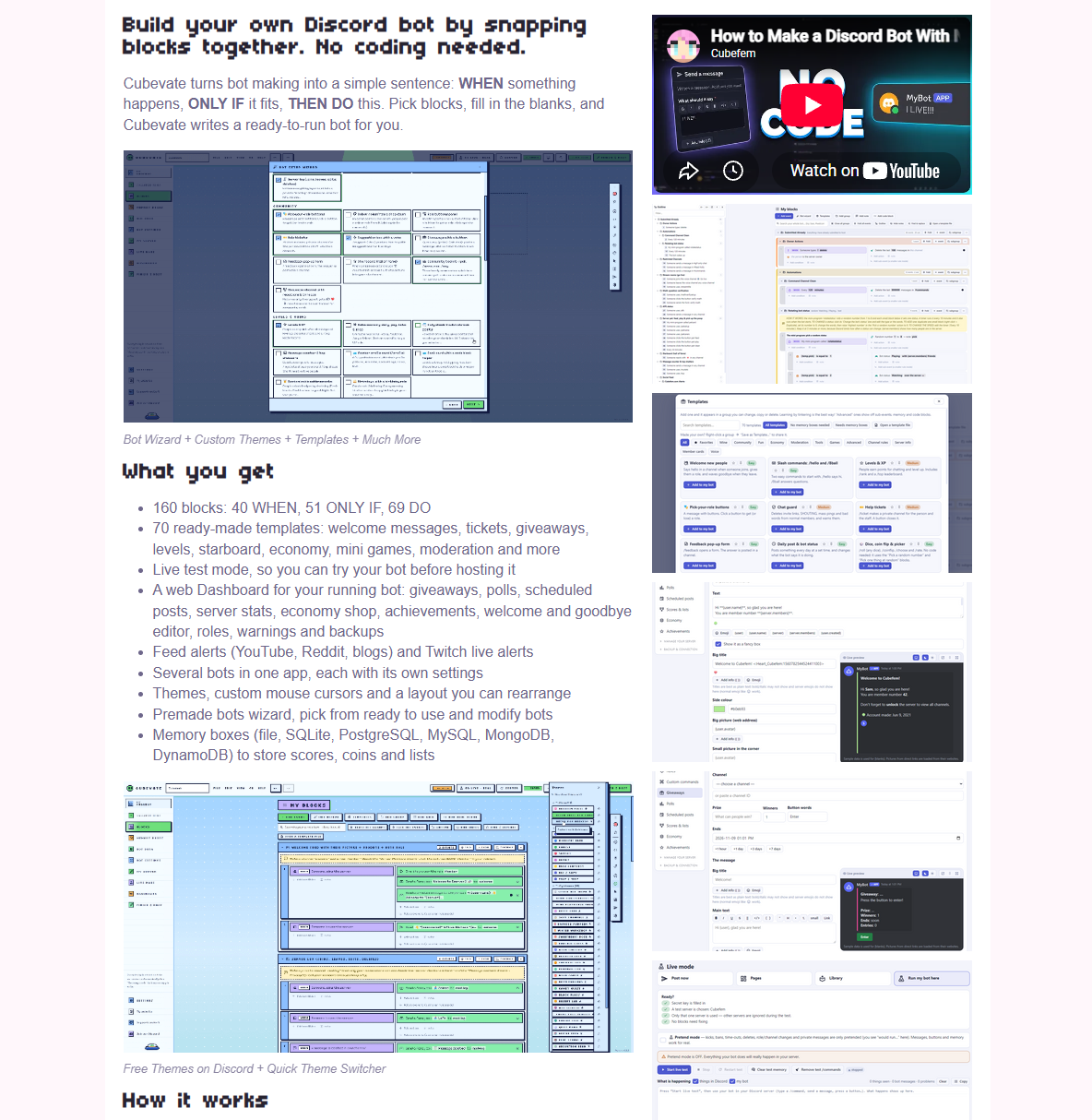
Not sure if Cubevate is for you? Open the itch.io page and start the preview. It runs right in your browser, so there is nothing to install. You can look around the app and see how easy it is to snap a bot together.
What you can do in the preview
The preview is made to give you a feel for how Cubevate works:
- Add blocks and fill in the blanks: WHEN something happens, ONLY IF it fits, THEN DO this.
- Add any of the 70 ready-made templates, like welcome messages, tickets, giveaways and levels, and change them.
- See live previews of your messages, switch between light and dark, and try different looks.
- Click through every page to see what the full app includes.
Everything that needs a real Discord bot is greyed out: secret keys, Live mode, your server, the Dashboard and downloading a bot. You can still read those pages to see what they do. It is a preview, so it cannot connect to Discord or run a bot.
A quick tour with tips
The first time you open the preview, a short tour shows you around with boxes and arrows that point at things. It covers:
- The left menu, and how to hide or reorder its pages.
- Advanced mode, which hides the explanation text for a cleaner look once you know your way around.
- Where to change themes and looks.
- The quick tools bar, and how to show or hide its tools.
- Templates, the bot wizard, Help and Finish & host.
You can replay it any time with the Tips button at the top. If you want to start fresh, use File, Reset the preview.
The full app is still 100% free
The preview is only for trying Cubevate before you install it. The full Windows app is still 100% free and comes with all of its features: all the blocks and templates, Live test mode, the Dashboard, themes, several bots in one app and more. Everything is saved on your own computer.
Ready to try it?
Start with the free preview, then download Cubevate when you are ready to build a real bot. If you get stuck, the Cubevate docs have a step-by-step guide for everything, and you can ask questions in the Cubefem Discord community.